Navigating the Ipiphany Home Screen
The Ipiphany Home Screen is displayed when you first login to Ipiphany.
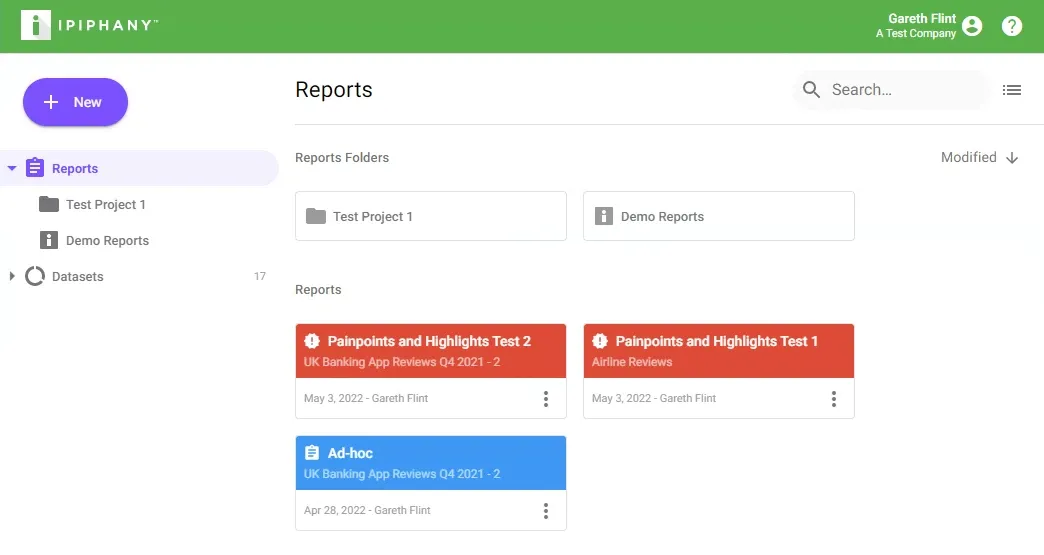
Ipiphany Logo
Click the Ipiphany logo to return to the home screen from anywhere.

Account Menu & Help Centre
Click on your name to manage your account or logout of Ipiphany. Click the Help Centre icon to open the Ipiphany Help Centre in a new window.

New Button
Click the New button to create a new Report, Report Folder, or Dataset.

Navigation Panel
Use the navigation panel to switch between reports, report folders, and datasets.
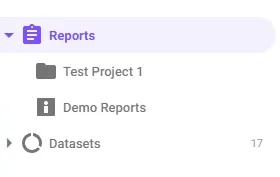
Tip - to move a report to a report folder, drag it to that folder
Main Content Area
Displays cards representing either Reports & Report Folders, or Datasets depending on your selection in the Navigation Panel.
- Click a card to open it
- Right-click to view additional options
- Searching will find reports across all report folders
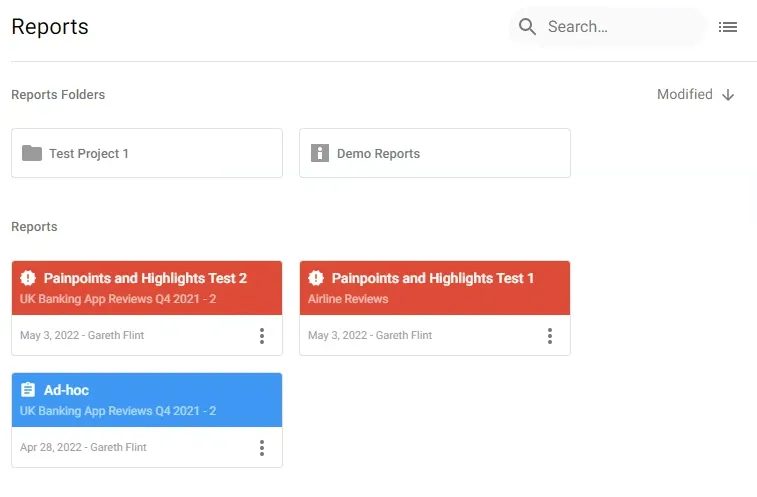
Tip - Try switching to list view if you have lots of reports and/or report folders.
