Creating a Discovery
To create a Discovery:
Step 1
From within a Dataset click ‘Discover’ in the left hand side menu and then click the ’+’ button
Step 2
Give the Discovery a name

Step 3
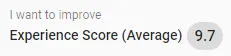
Select what you want to improve
Step 4
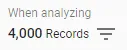
Choose which records in your Dataset you want to analyze (or do not set this if you want to analyze the whole Dataset)
Step 5
Set your Drivers. These are the attributes can be used to create the discovered patterns.
Step 6
Click the Create Insight button to start the Discovery
Step 7
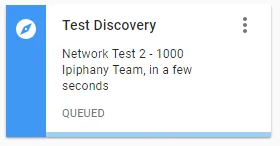
Wait for the Discovery to finish processing