Viewing a Discovery
Step 1 - Open a Discovery
From within a Dataset click ‘Discover’ in the left hand side menu and click on a Discovery
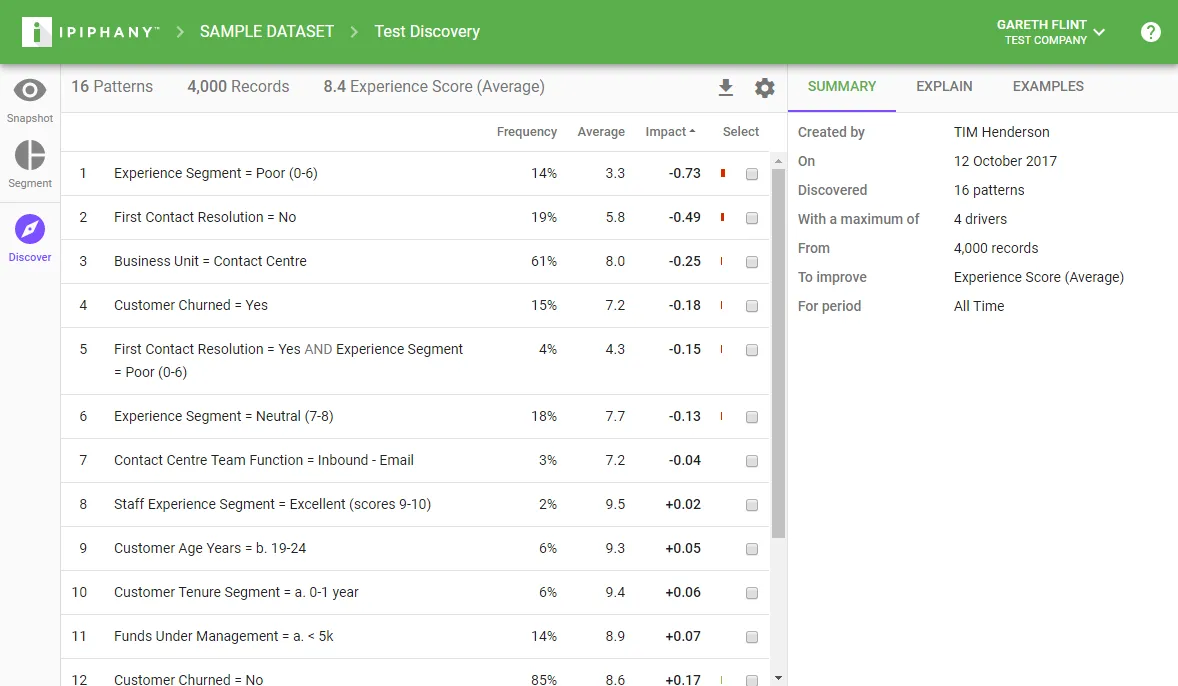
Step 2 - View Discovered Patterns
View the table of discovered patterns. These are the patterns that Ipiphany has determined have the largest Impact on the metric you want to improve.
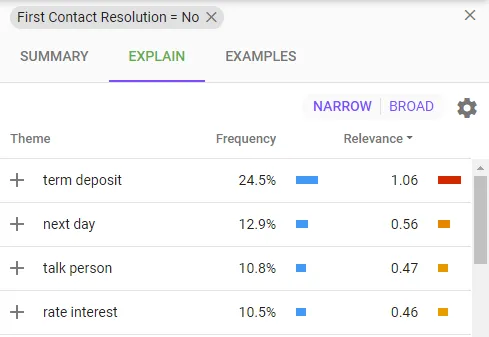
Step 3 - View details and examples
Click on a pattern to get an explanation and see its examples