The Home Screen
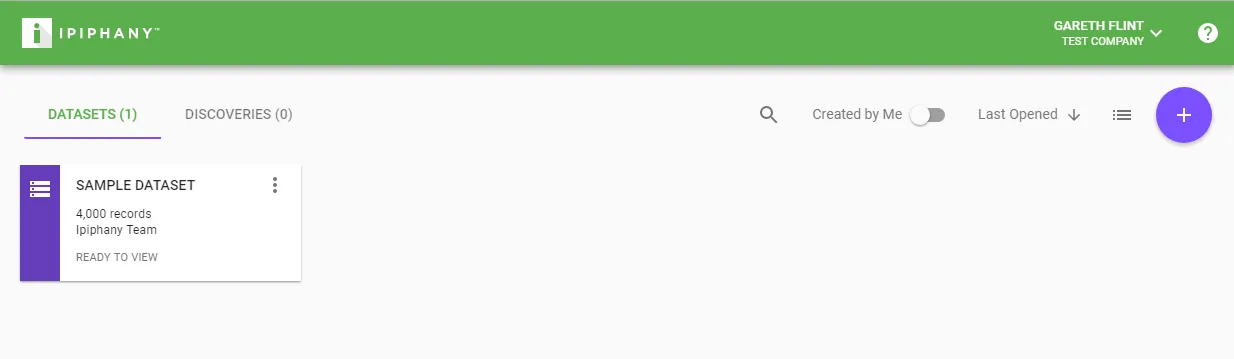
When you first login to Ipiphany you will be displayed the home screen. The home screen is where you access your Datasets and Discoveries.
Tip: To return to the home screen at any time simply click the Ipiphany logo.
Click a Dataset or Discovery to open it
To create a new Dataset click the ’+’ button when on the Datasets tab.
To create a new Discovery click the ’+’ button when on the Discoveries tab.